Every Site in Your Account on One Page
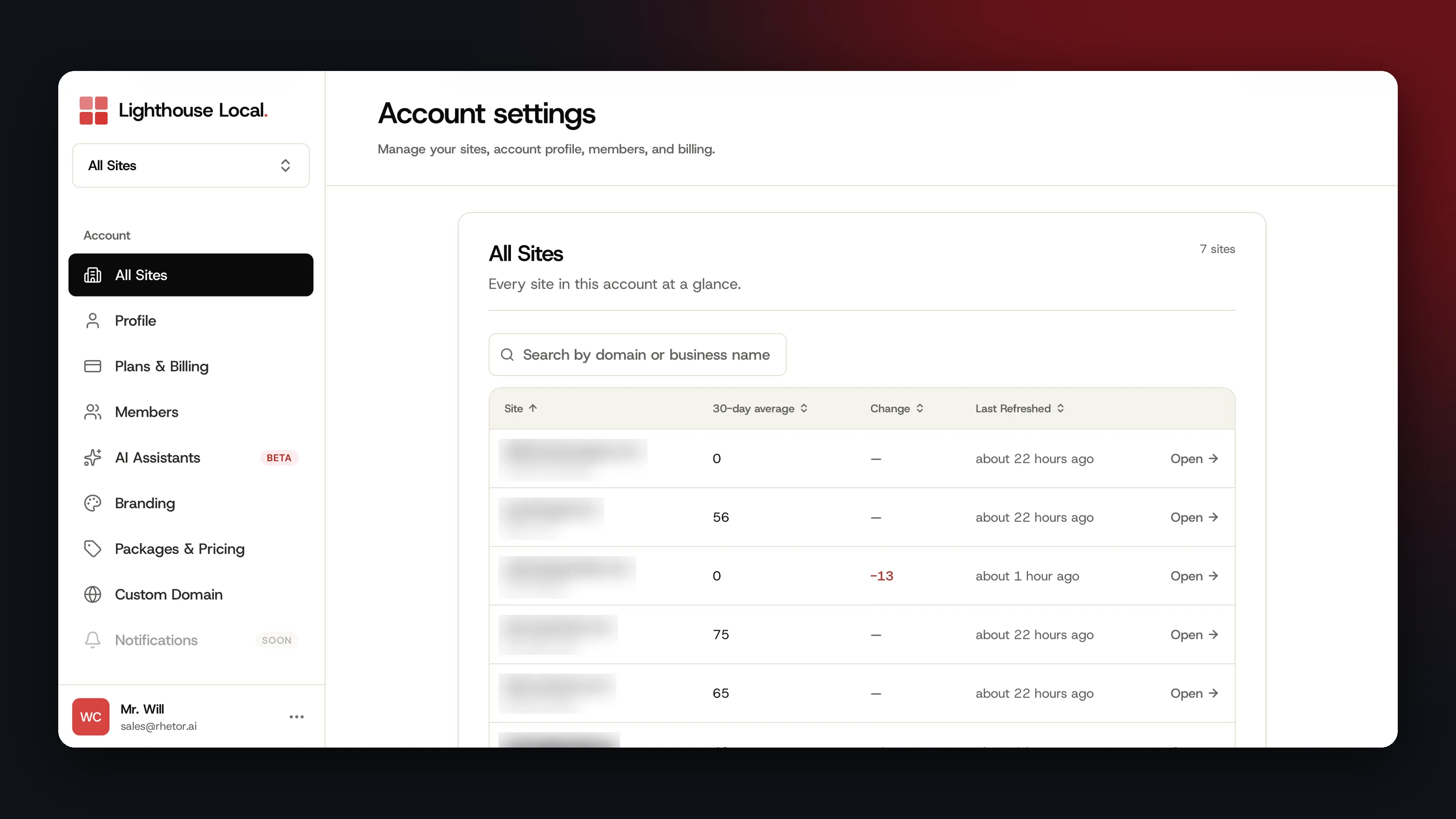
The biggest thing we shipped in October is that you can now see all your sites side by side. Compare scores across locations or clients, spot the one that slipped, and open it in a click.
Sort by score, change, or last refresh
All Sites is in Account settings. Search it by name, or sort any column.
Find any site by name
The site switcher now has a search box, so you can type a domain or business name instead of scrolling.
See What Changed, Day by Day
Click a day to read that day's answers
Click any day on the Dashboard chart to open AI Answers for that date.
A chart built only from real data
The Dashboard chart now plots only the days we collected answers, and ends at your latest one.
See one AI platform's trend on any prompt
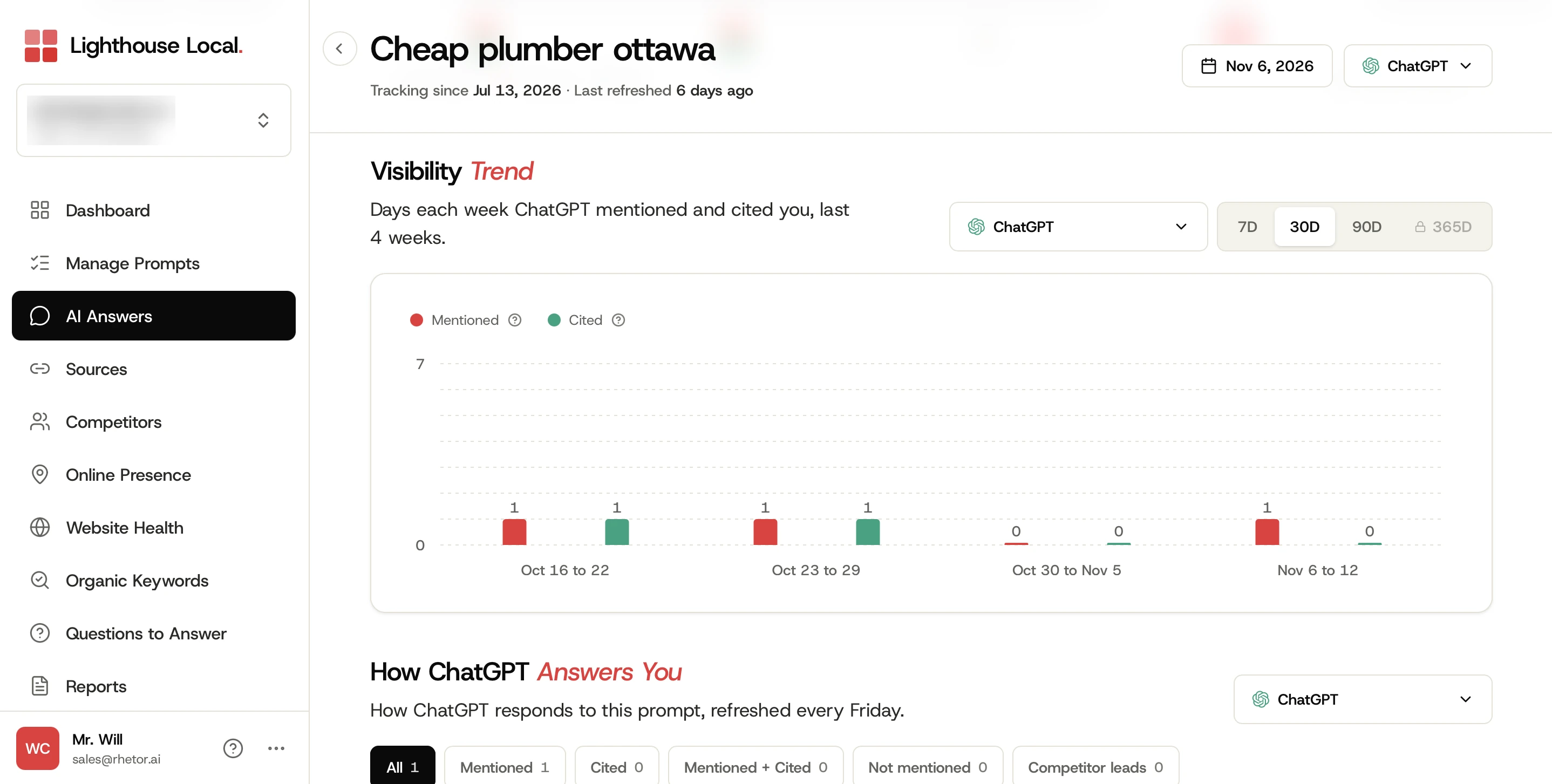
Each prompt's Visibility Trend now has a platform filter. Pick one assistant to see how many days each week it mentioned you and cited your site.
Search and sort your prompts
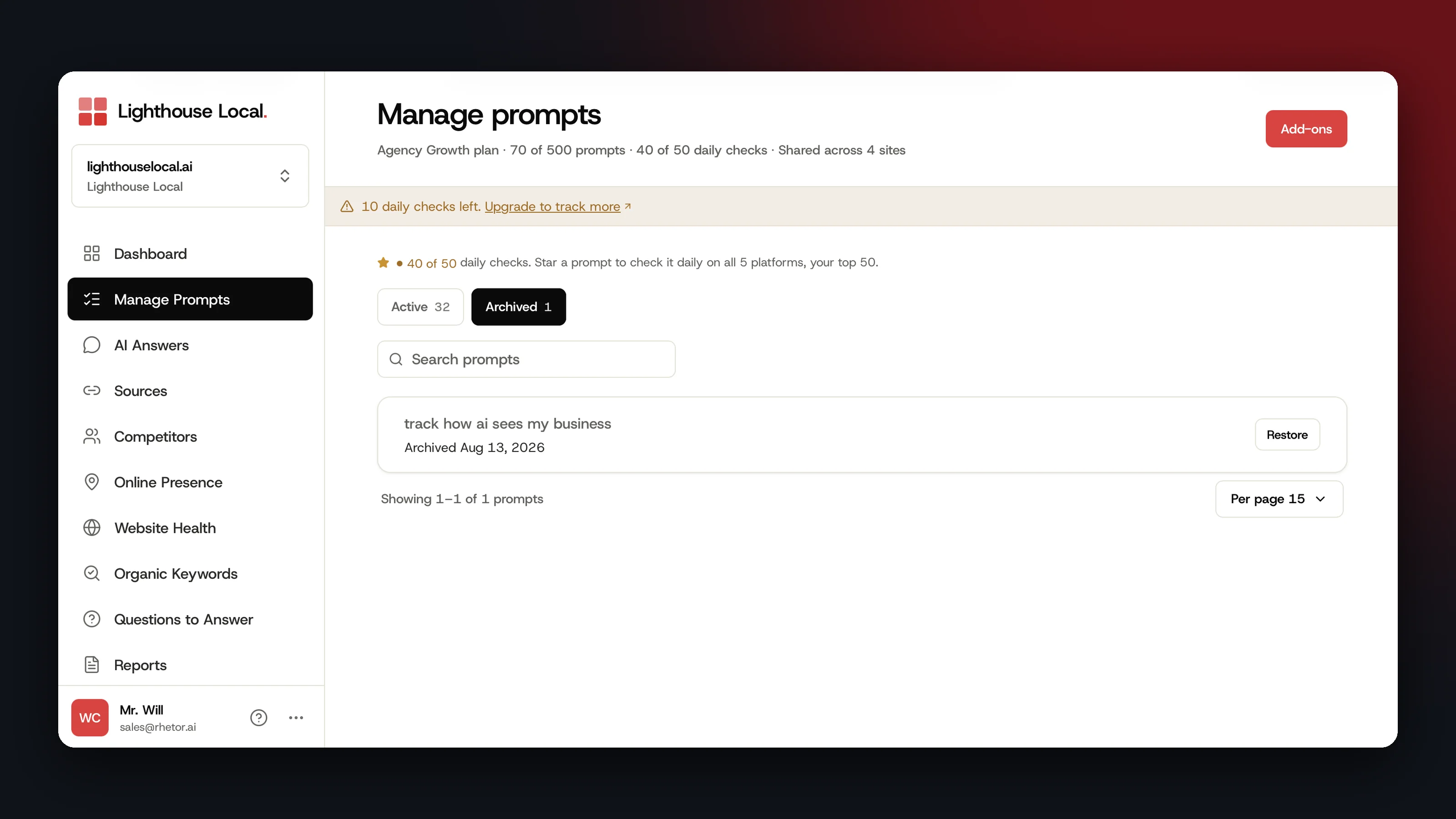
Manage Prompts now has search and sorting, so your most mentioned, most cited, or most recently checked prompts go on top.
Know What to Fix and Who Can Do It
Plain-language explanations on your fixes
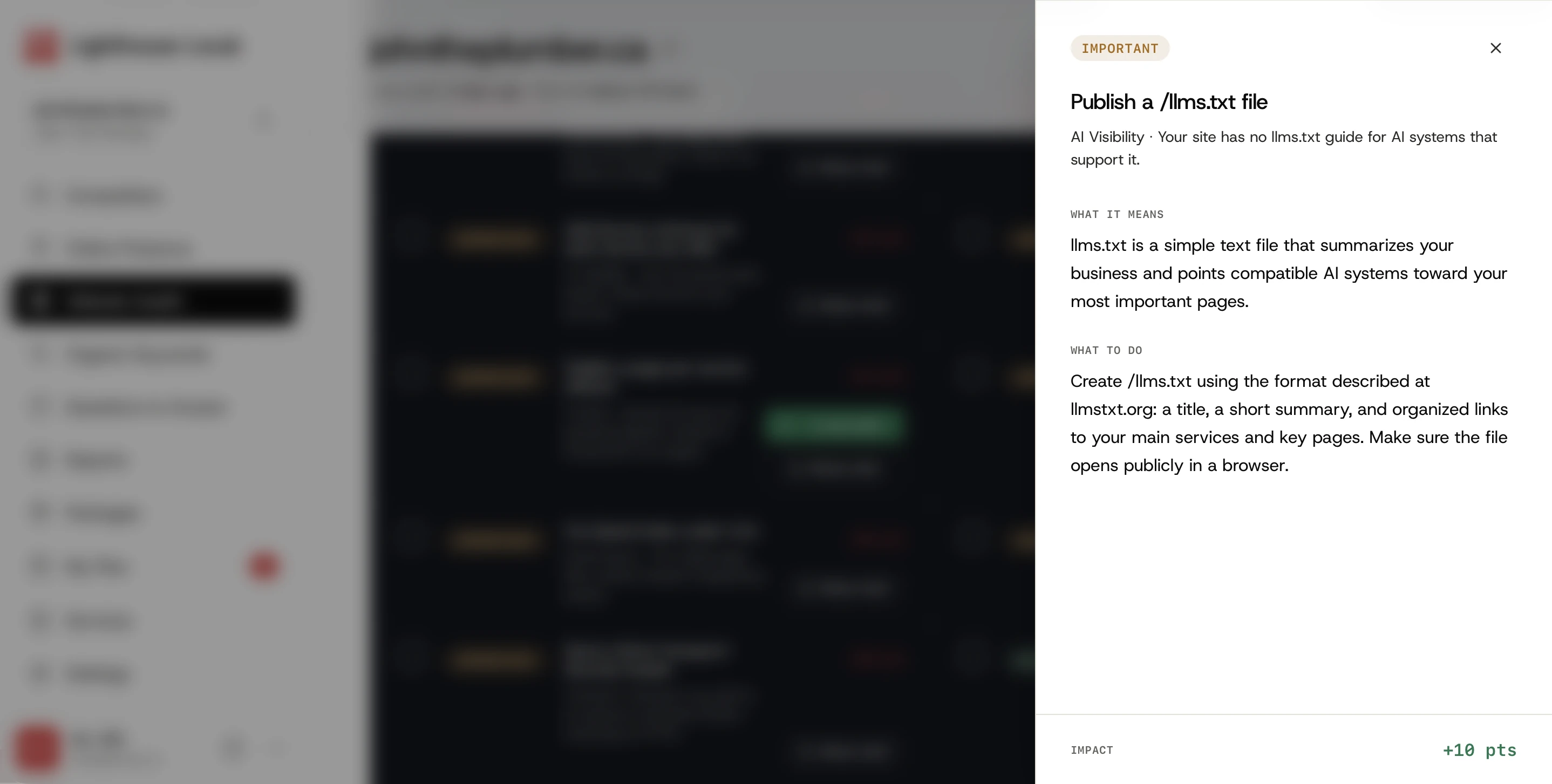
The What's this? button on a Website Health fix opens what it means, what to do about it, and the points it's worth. If you'd rather not do it yourself, Have us fix this adds it to your plan.
A free checker for any website
Our free AI visibility checker reads any website and shows its grade in about 60 seconds, with no card and no account.
New for Beacon Partners
Download a lead's report as a PDF
If you're a partner on Lighthouse Local's Beacon, a completed lead's report now exports as a PDF in your branding. Our walkthrough of branded PDF lead reports covers the fix plan setting and the Slack link.
Choose which AI platforms your audit covers
Switch each AI platform on or off, and the counts, logos, and labels on your branded audit follow.
Set your own text color, background, and font
Set your text and background colors, and pick a font from more than a thousand Google Fonts, with a live preview as you go.
Take bookings with your Cal.com link
Booking setup now takes the Cal.com booking link you already share, and leads can book a call after their report.
Clearer custom domain setup
If old DNS records are in the way, your console now lists exactly which ones to remove.
A New Market, and More
- You can now set up a business in Israel, alongside the United States, Canada, and the United Kingdom.
- New comparisons with other AI visibility tools, plus six questions to ask before you pick one.
- The AI Assistants page now offers four starter questions, each with a copy button.
- Ranking Movement on Organic Keywords now counts each keyword once for the date range you pick.
- A tighter Dashboard on phones.
- Beacon audit forms turn away placeholder emails and made-up phone numbers.
New to Lighthouse Local? How our AI visibility tracker works is the place to start. Everything above is live today.