Your AI Assistant Can Now Work From Your Dashboard
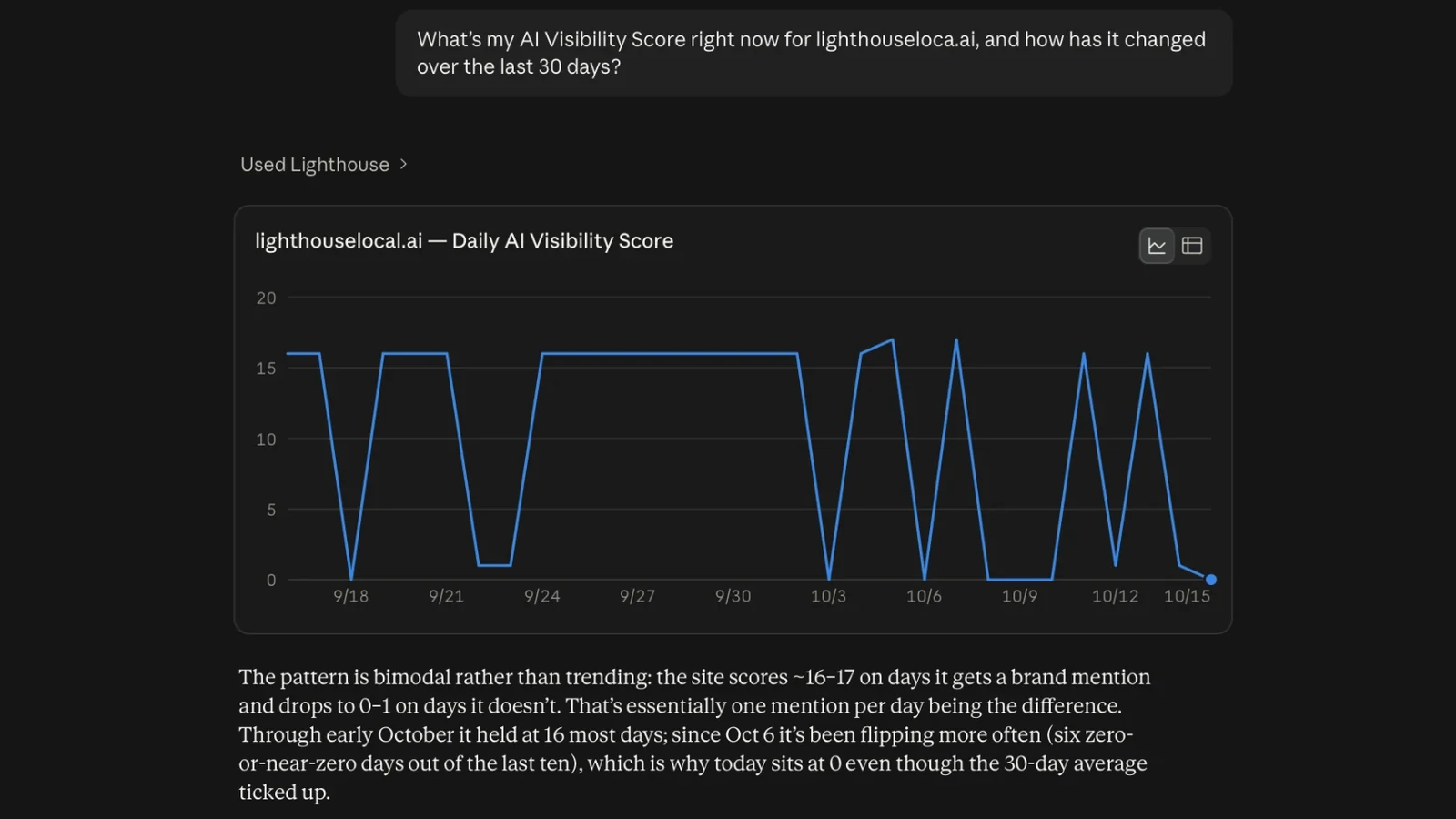
The biggest thing we shipped in September is that Lighthouse Local now connects to whichever AI assistant you already use, whether you work in ChatGPT, in Claude, or in Gemini. Your Lighthouse Local data can come with you, so you can ask why a score moved, draft the fix, or turn the results into a client update.
Connect your assistant to Lighthouse Local
Lighthouse Local now has an MCP connector. MCP is an open standard that lets AI assistants work with data and tools outside the chat. Your assistant can answer from your Lighthouse Local data, then help you act on it. Ask which competitor Perplexity recommends instead of you, then have it draft a rewrite of your services page that answers that prompt. It's included on every plan. Our MCP server announcement covers what it reads and what it never touches. The connect your AI assistant guide has the exact clicks for each one.
Questions worth asking it
Not sure where to start? We published a prompt library for your AI assistant, grouped by the job you're trying to do, each with a copy button.
See Exactly What AI Said and When
Mentions and citations, shown separately
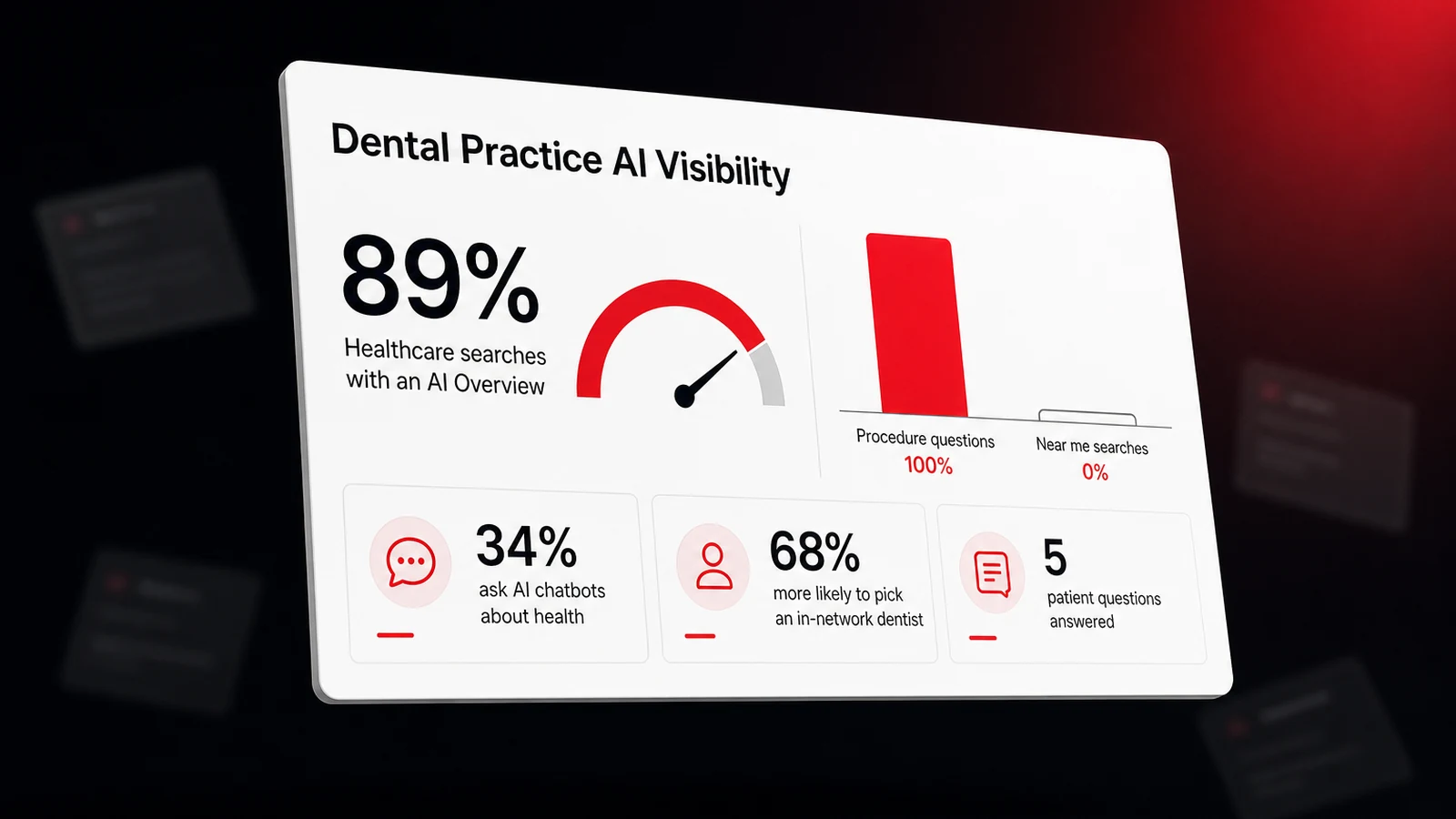
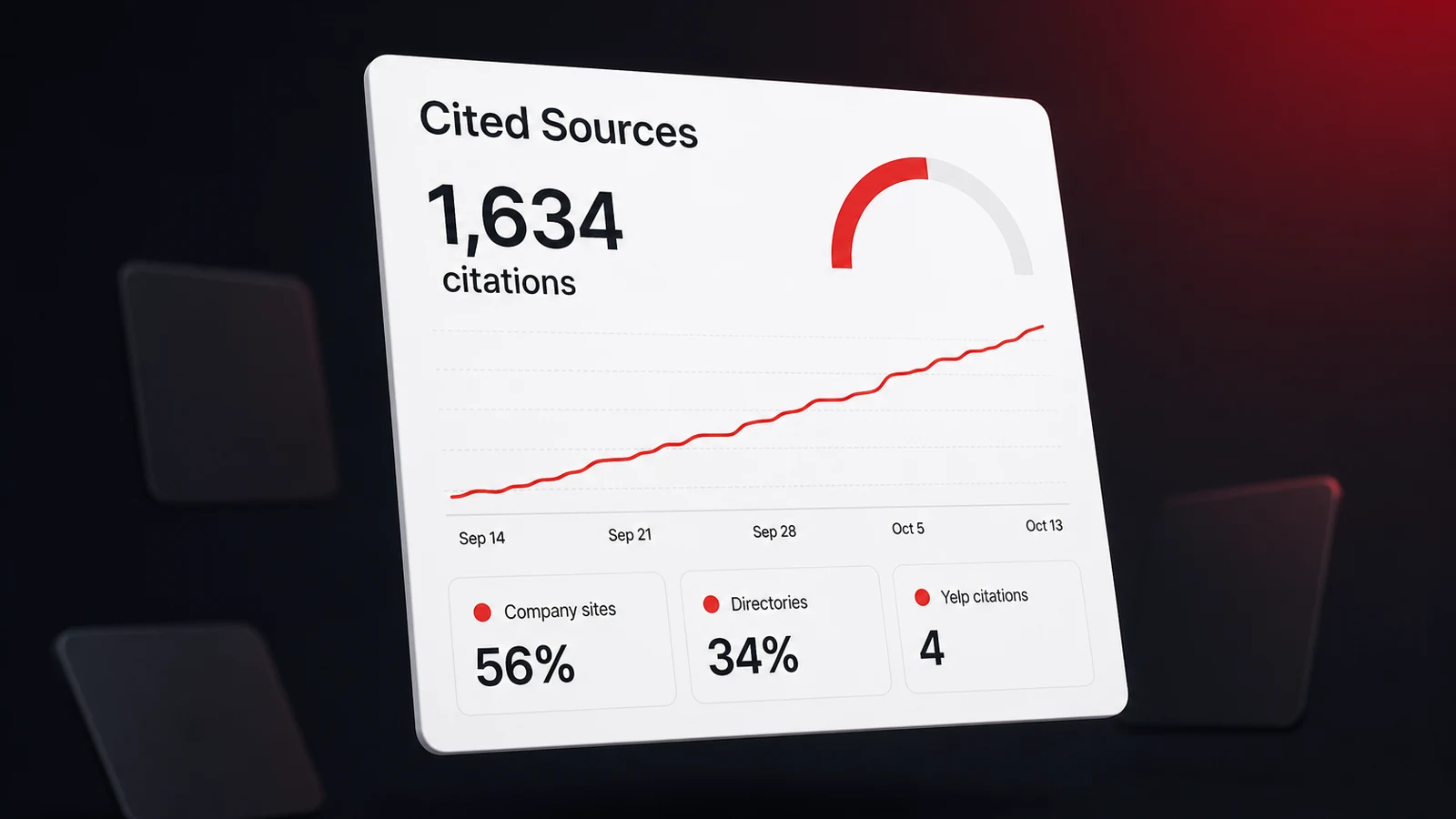
Being named in an answer and having your website cited as the source are two different wins, and tracking brand visibility in AI search means watching both. AI Answers now shows both on every answer card, per assistant and per day, and the status follows whatever date range you pick.
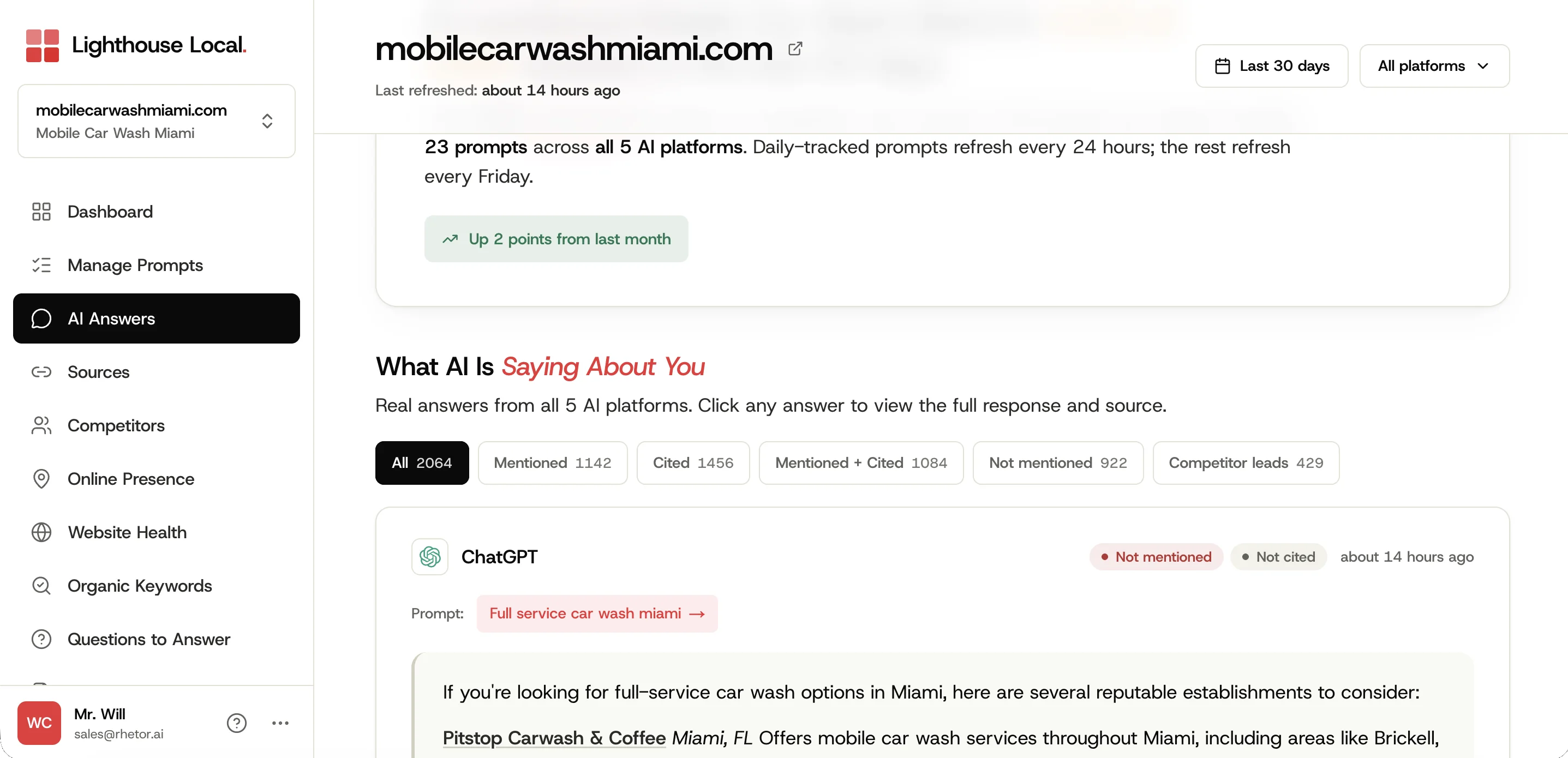
A last-checked time on every prompt
Each row shows when we last asked the assistants that question.
Know why your score moved
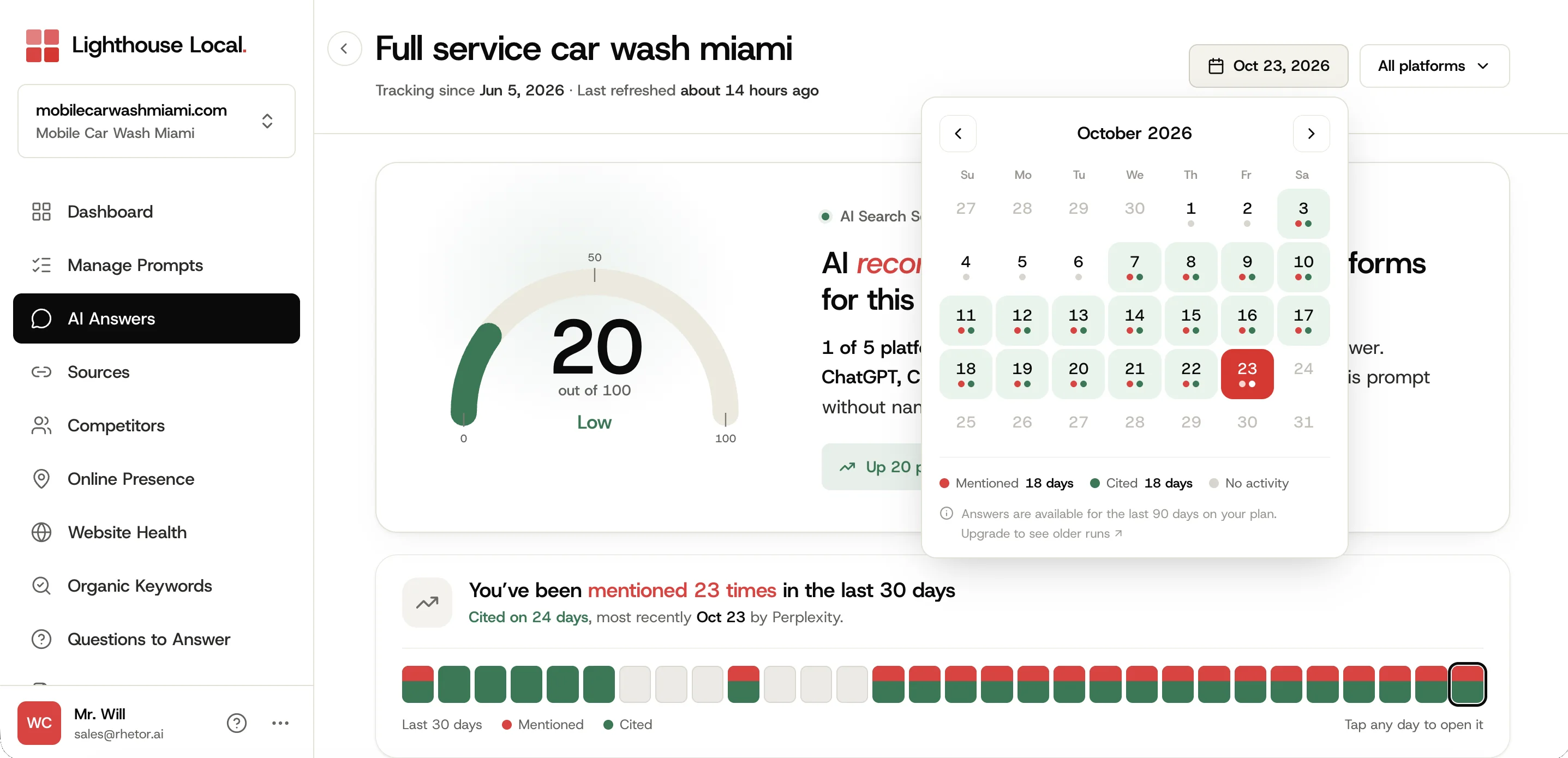
Each prompt's detail page has a Signals section that explains what changed, plus a redesigned date picker for moving through history day by day. Some shifts aren't about you at all. Our post on why AI gives different people different recommendations covers what can change from one answer to the next.
Counts only include days we actually checked
Totals, the signal strip, and the calendar now count only the days a prompt was really run. A quiet day shows as a gap instead of repeating yesterday's result, so a dip in totals can mean fewer checked days, not necessarily fewer mentions.
Recommendations that fit the question
When AI skips you on a prompt, the suggested fix now matches that specific question instead of giving you a generic checklist item.
Tell us what AI calls you
Add any alias for your brand or a competitor, so mentions count even when an assistant uses a short name, an old name, or a misspelling.
A faster dashboard
We rebuilt how pages load. Switching sites is noticeably quicker, and content stays on screen while you change filters instead of flashing blank.
For Agencies and White-Label Partners
Use your logo by itself
If your logo already includes your company name, you can now show it by itself without an extra wordmark beside it.
Share links live on the Reports page
Client-facing share links moved from site settings to the Reports page, where you build the report you're sharing.
Testimonials on your branded audit
Partners can add their own customer testimonials to the homepage of their white-label AI audit.
Book done-for-you fixes from the report
Anyone reading our free audit report can book a call to have the fixes done for them, right from the report.
Smaller Things
- Platform logos in the coverage table.
- Onboarding screens show their final layout while they load.
- Plan cards show a pending state while checkout completes.
- The plan badge updates the moment you add a fix.
- The Top Pages card opens per-page detail.
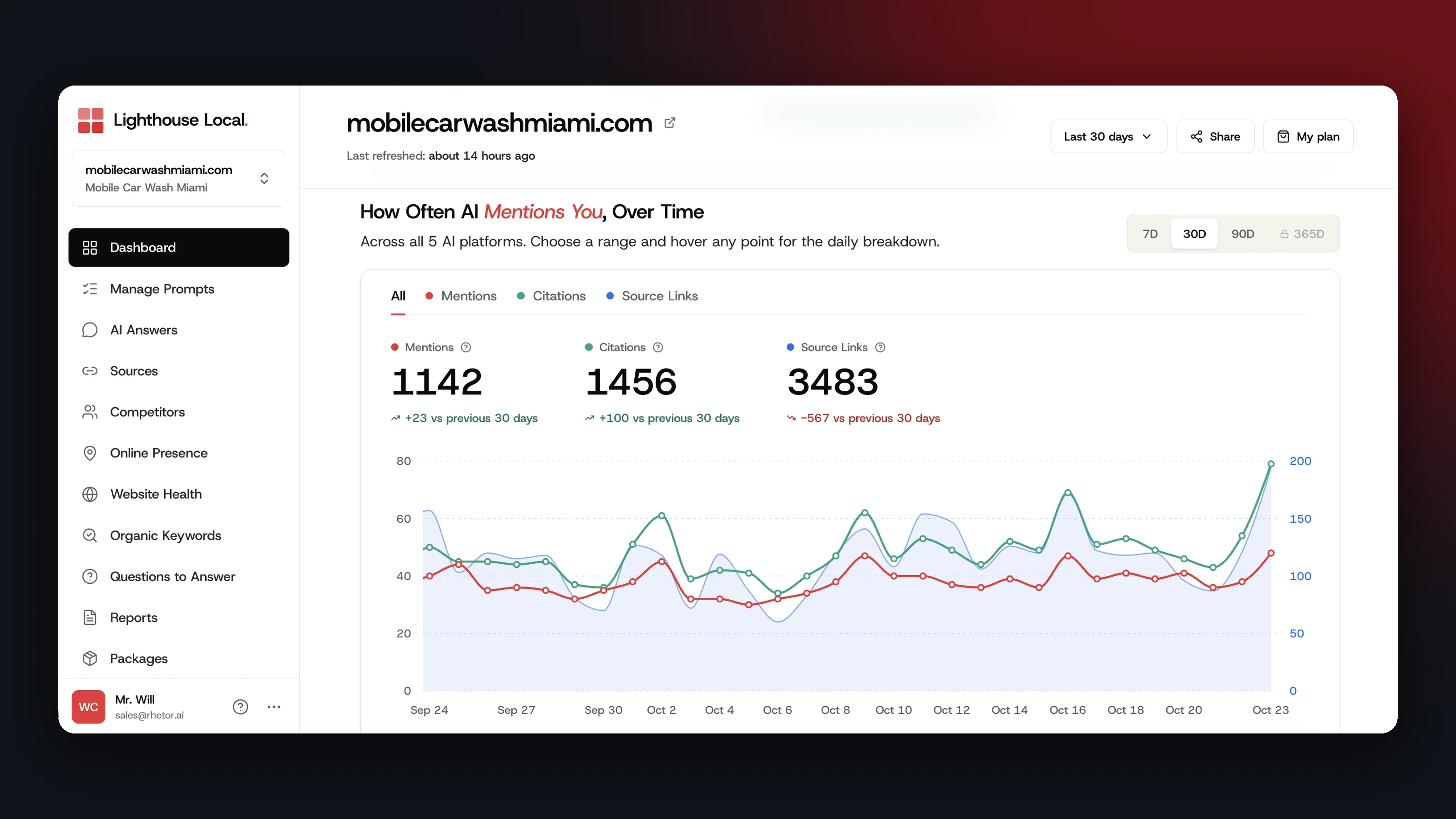
- Source links plot on their own axis in the overview chart, so counts in the hundreds no longer flatten the mention line.
- A new help center, starting with a guide to letting our crawler read your site.
If you're new here, how our AI visibility tracker works walks through the dashboard all of this lives in. October's list is already longer than this one.
Frequently asked questions
Do I need to do anything to get these updates?
Nothing. Everything's already in your account. If you want your AI assistant connected, that's a one-time setup under Settings, then AI Assistants.
Why did my totals change in September?
Totals now count only the days a prompt was really run. A quiet day that used to repeat yesterday's result now shows as a gap, so a dip in totals can mean fewer checked days, not necessarily fewer mentions.
Which plans include the AI assistant connector?
Every plan, including the free trial. The connection is read-only, so your assistant can't change anything in your account. You'll find the link under Settings, then AI Assistants. On the assistant side, ChatGPT only connects on its paid plans with developer mode switched on.