Why Search Engines and AI Misread Local Businesses
Local schema markup is a small block of code that states your business facts, your name, address, hours, and phone, in a format search engines and AI read literally instead of guessing. A search engine lands on your website and starts guessing. Is the number in your header a phone or a fax? Is "Miami" your city or just a service area? Are you open right now? Nothing on the page is labeled, so the machine infers, and inference is where local businesses get misread. Wrong hours surface, the map pin drifts, or the engine simply isn't sure enough to feature you at all.
That's the guessing local schema markup stops. Your name is tagged as your name, your address as your address, your hours as your hours, each one wearing a label from schema.org, a shared vocabulary the search engines agreed to honor. Google's structured data guidelines spell out which of those labels a local business should carry, and the rest of this walks through them, what they change, and how to add them in one sitting.
Why a Label Beats a Sentence on the Page
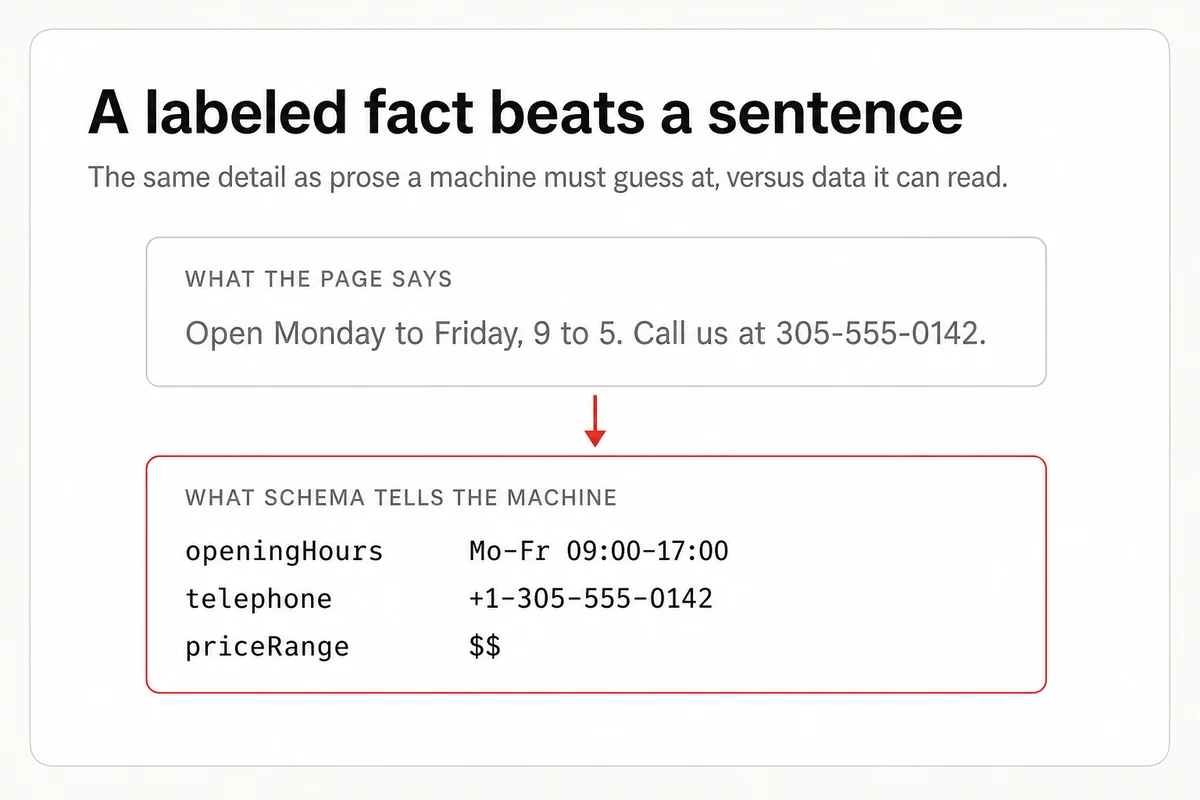
Your hours are probably already on your site, written as a sentence a person can read. So why label them again? Because a sentence has to be interpreted, and a label is read literally. "We're open till late on Fridays" is warm, human, and nearly useless to a machine, which has to turn "till late" into a time and will likely get it wrong. The same fact tagged as an openingHours value is a fixed, unambiguous number the engine copies straight into your listing.
That's the whole trade. You keep the human sentence for your visitors and add the labeled version for the machines, so each audience gets the fact in the form it can actually use. Do that across your name, address, phone, and location, and you've turned a page a machine has to decode into one it can simply read.
The Anatomy of a LocalBusiness Schema
The LocalBusiness type has two properties Google treats as required, and a handful it recommends. You don't need every field, but the more accurate detail you hand over, the more the machines have to work with.
The two that aren't optional are your name and your address. From there, the recommended fields are the ones a customer would actually want, your phone, your hours, your coordinates, your website, and a rough price range.
| Property | What it holds | Example |
|---|---|---|
| name | Your business name | Miami Mobile Car Wash |
| address | Street, city, region, and postal code | 123 Ocean Drive, Miami, FL 33139 |
| telephone | Your main public phone number | (305) 555-0142 |
| openingHoursSpecification | The days and hours you're open | Mon to Fri, 8am to 6pm |
| geo | Your latitude and longitude | 25.76168, -80.19179 |
| url and image | Your website and a photo | example.com and a storefront shot |
Written out in the format search engines prefer, called JSON-LD, a filled-in example looks like this. It's the same shape whether you run a car wash or a law office. You change the values, not the labels, apart from the extra fields a licensed profession adds, such as a CPA firm's partner credentials.
<script type="application/ld+json">
{
  "@context": "https://schema.org",
  "@type": "LocalBusiness",
  "name": "Miami Mobile Car Wash",
  "image": "https://www.example.com/storefront.jpg",
  "url": "https://www.example.com",
  "telephone": "+1-305-555-0142",
  "priceRange": "$$",
  "address": {
    "@type": "PostalAddress",
    "streetAddress": "123 Ocean Drive",
    "addressLocality": "Miami",
    "addressRegion": "FL",
    "postalCode": "33139",
    "addressCountry": "US"
  },
  "geo": {
    "@type": "GeoCoordinates",
    "latitude": 25.76168,
    "longitude": -80.19179
  },
  "openingHoursSpecification": {
    "@type": "OpeningHoursSpecification",
    "dayOfWeek": ["Monday", "Tuesday", "Wednesday", "Thursday", "Friday"],
    "opens": "08:00",
    "closes": "18:00"
  }
}
</script>
What Labeled Facts Buy You in Search and AI
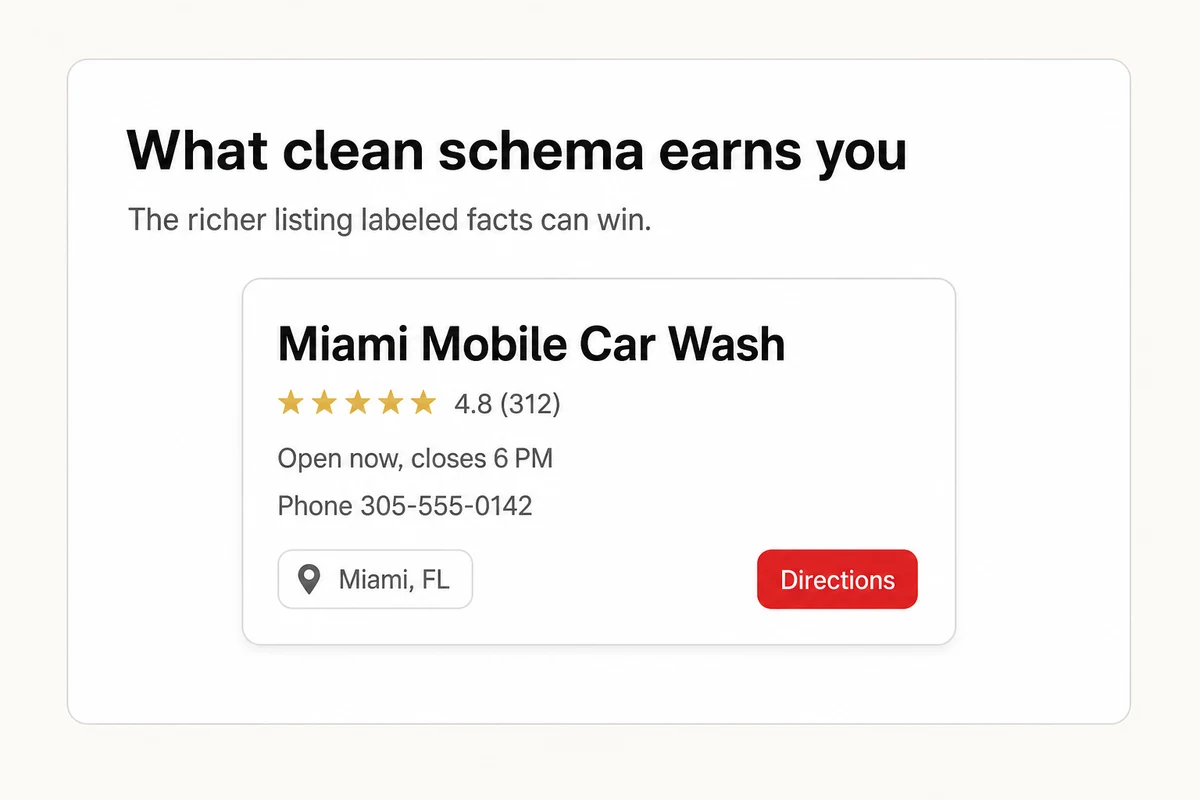
Two payoffs, one in each kind of search. In Google, confidence buys real estate. When the engine trusts your details, it can hand you the knowledge panel, your hours and phone inside the results, a cleaner pin on Maps, the sort of listing that crowds a plain blue link off the screen.
The second payoff is the one we watch most closely. When someone asks ChatGPT, Gemini, Claude, Perplexity, or Google AI to name a business like yours, the assistant reads the web and leans on the facts it trusts most. A block of labeled data reads as fact, not marketing, which makes you a safer name to say out loud. Markup alone won't settle which businesses AI recommends, but the business that's easiest to read straight is rarely the one left off the list.
Where Schema Markup Stops Helping
Now the part the loudest guides leave out. Markup earns you eligibility, not a guarantee. Google says plainly that structured data doesn't force a rich result to appear, some business types don't qualify, and the engine decides case by case. Treat it as a strong foundation, not a lever you pull for instant clicks, since Google can retire a feature outright, as it did when it stopped showing FAQ rich results in 2026.
It also breaks the moment your facts disagree. If your markup says you close at six while your Google Business Profile says five and a directory says seven, you haven't clarified anything, you've handed the machines an argument to settle, and a cautious engine settles it by leaving you out. Labels are only ever as good as the truth behind them. Consistent facts across every listing, starting with the listings assistants actually read, plus a healthy review profile the engines can lean on, are the real groundwork, and schema just points at them.
So who should bother? Nearly everyone, because the price is an afternoon and the downside rounds to zero. Add it clear-eyed, keep it honest, and let your pages and your reviews carry the real weight.
Putting the Code Live Without a Developer
The block lives in your page's HTML, inside a script tag, and it rides best in the <head>, though the body works too. On most website builders you never open a template. There's a field for custom code or structured data where you paste it once, the same slot you'd use for an llms.txt file or a site-verification tag.
And you don't have to write the JSON yourself. Describe your business to an AI assistant, let it draft the markup, then have it walk you through installing on your platform. This prompt does both.
I run a local business and want to add LocalBusiness schema markup to my website so search engines and AI can understand it. Please help me with two things.

1. Write a complete JSON-LD LocalBusiness schema for my business, wrapped in a script tag, ready to paste into my site. Ask me for my business name, address, phone, opening hours, website, and business type, then generate it.

2. Tell me how to add it on my specific website platform, and how to confirm it passes Google's Rich Results Test.

My business is [describe it] and my website is [paste your URL].
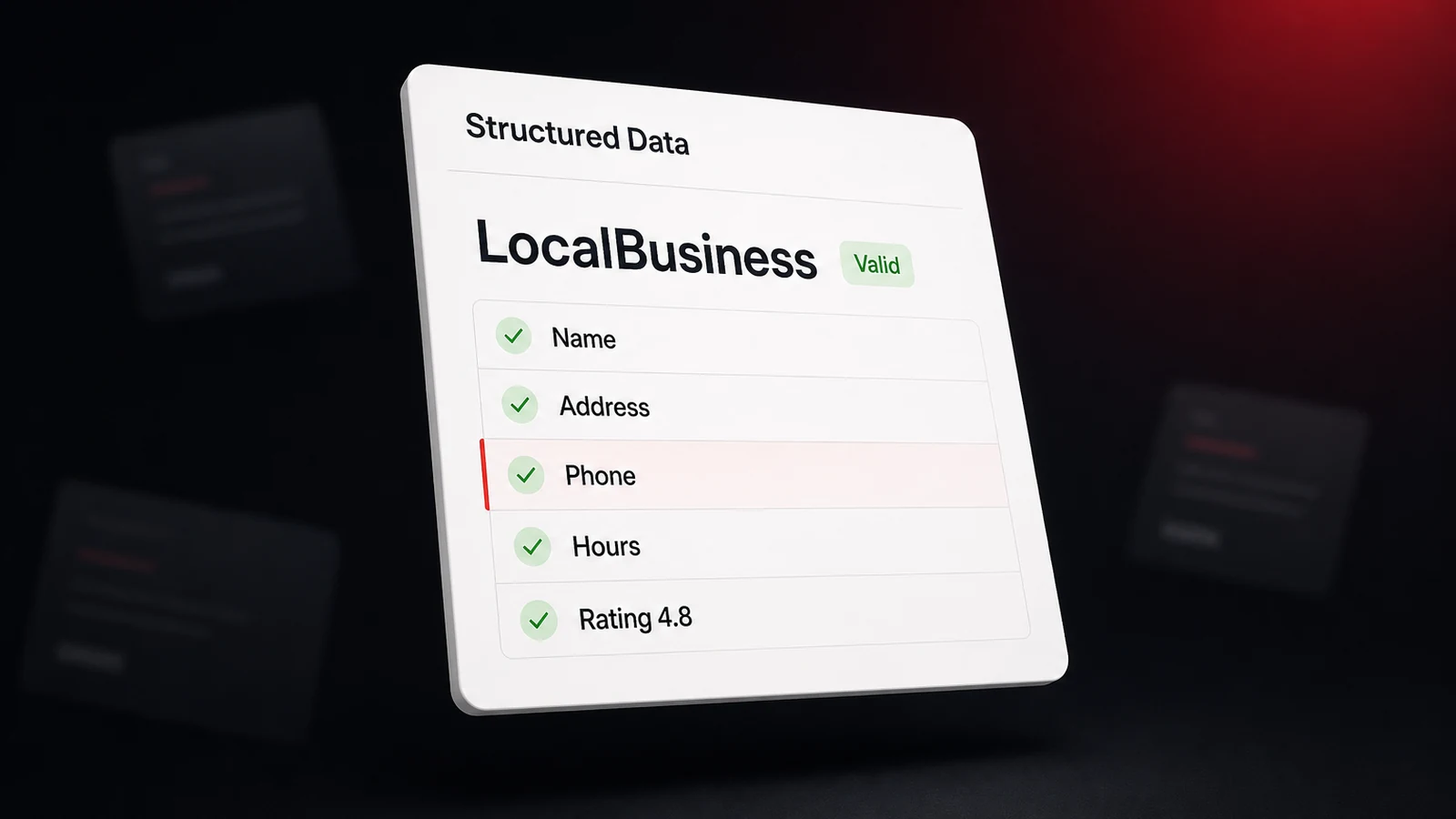
One rule before you trust it. Paste the live page into Google's Rich Results Test and read what it echoes back. If your name, address, and hours come back clean, so will they for a search engine or a model. If a field errors, fix it and run the test again. Whether any of this actually shifts how AI describes you is the one thing the test can't tell you. For that you check whether AI recommends you over a run of months, not a single afternoon.
Schema Is a Signal, Not a Scoreboard
Schema markup is a signal you send, not the score you get back. You can label every fact perfectly and still miss the one number that pays the bills, whether an assistant names you when a customer asks. That answer lives inside private chats you never see, and it shifts every time the models do.
Closing that gap is the whole point of Lighthouse Local's AI visibility tracker. Feed it the questions your customers really ask, and it puts each one to ChatGPT, Gemini, Claude, Perplexity, and Google AI on a schedule, flags every answer that names a rival in your place, and hands the miss back as a specific fix. Ship your schema, then point our free AI audit at your site. It flags the on-site gaps a model trips on and ranks them in about a minute, no signup needed. Label your facts, then go find the score that counts, whether an assistant says your name when it matters.
Frequently asked questions
What is local schema markup, in plain terms?
It's a block of code that labels your business facts, like your name, address, phone, and hours, so search engines and AI models read them without guessing. It uses the shared schema.org vocabulary and a type built for local businesses.
Do I need a developer to add schema markup?
Usually not. Most website builders and SEO plugins have a field for structured data where you paste the code once. You can also have an AI assistant generate the JSON-LD for you, then drop it into that field.
Does schema markup guarantee rich results in Google?
No. Google uses valid structured data to decide what to show, but it doesn't promise rich results, and not every business type is eligible. Accurate, consistent facts matter more than the markup on its own.
Where does the schema code go on my site?
Inside a script tag in your page's HTML, usually on the homepage or contact page for a single-location business. It traditionally sits in the head, though it works in the body too.